IOC vs IOA: What's the Difference and Why It Matters
Indicators of Compromise tell you an attack happened. Indicators of Attack tell you one is happening now. Here's how to use both.
Most small businesses only find out they were attacked after the damage is done: files are encrypted, money is gone, or a client calls to ask why they got a strange invoice from your email. That's the reactive loop. Getting out of it starts with understanding two terms security teams use every day: Indicators of Compromise (IOCs) and Indicators of Attack (IOAs).
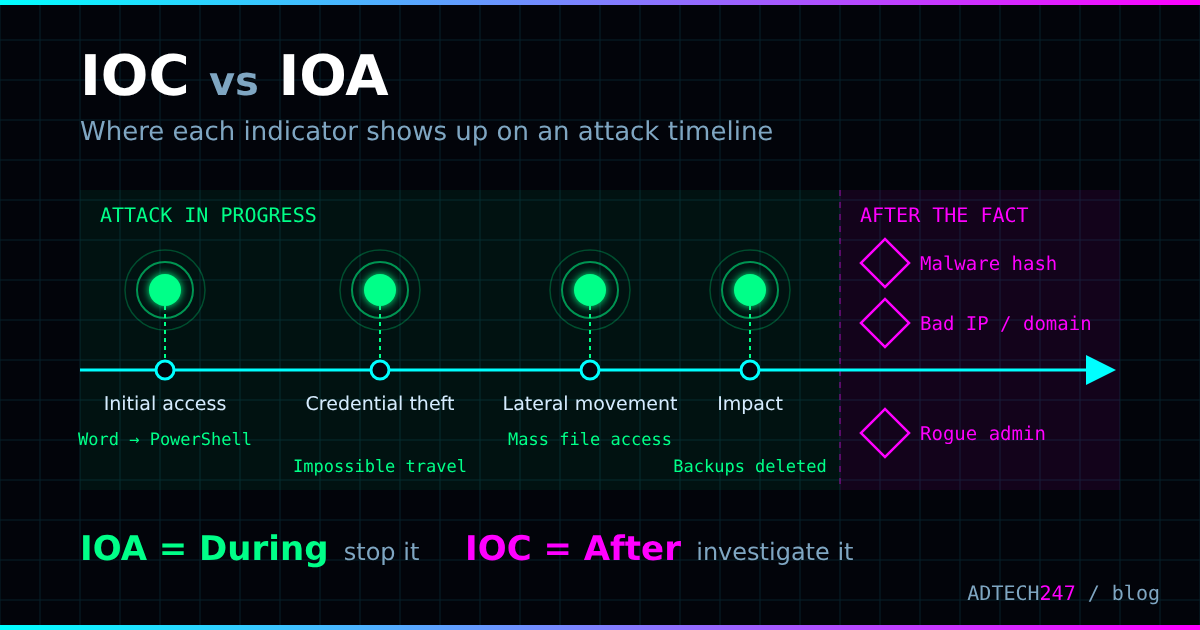
Here's the short version, and the memory rule I use: IOC = After. IOA = During.
What is an Indicator of Compromise (IOC)?
An IOC is evidence that an attack already happened. It's a forensic clue left behind, like a fingerprint at a crime scene. Common examples:
- A file hash that matches known malware
- An IP address or domain known to be used by attackers
- A suspicious email sender address from a known phishing campaign
- An unexpected new admin account
- Registry keys or scheduled tasks that malware creates to stay on a machine
IOCs are concrete and easy to share. Threat intelligence feeds publish them constantly, and security tools can block them automatically. That's their strength.
Their weakness is timing. By the time you match an IOC, the attacker has usually been in for a while. And attackers change their infrastructure all the time: a new domain or a recompiled file produces a brand-new hash that no blocklist has seen yet.
What is an Indicator of Attack (IOA)?
An IOA is evidence that an attack is happening right now. Instead of asking "have I seen this exact file before?", it asks "is this behavior what an attacker does?" Examples:
- Microsoft Word launching PowerShell or a command prompt
- A user account logging in from two countries an hour apart
- One account suddenly touching hundreds of files on a file share
- A process trying to read stored passwords from memory
- Backups or shadow copies being deleted
- A workstation scanning the rest of the network
None of those require knowing the specific malware. They describe intent. An attacker can change their tools every day, but they still need to get in, escalate, move around and reach their goal, and those steps look similar every time.
IOC vs IOA at a glance
| Indicator of Compromise | Indicator of Attack | |
|---|---|---|
| Answers | What happened? | What is happening? |
| Timing | After the fact | During the attack |
| Based on | Known artifacts (hashes, IPs, domains) | Behavior and intent |
| Best for | Investigation, blocking known threats | Early detection, stopping attacks in progress |
| Weakness | Easy for attackers to change | Needs tuning to avoid false alarms |
Why you need both
This isn't either/or. A good security program uses each for what it's good at:
- IOCs clean up and investigate. After an incident, they help you find every machine that was touched and block the same infrastructure from coming back.
- IOAs catch what's new. They spot the attacker who is using a tool nobody has seen yet, early enough to stop them before ransomware runs.
That's why modern detection engineering has shifted so much attention toward behavior. Blocking known-bad is table stakes. Catching unknown-bad while it's happening is where breaches get stopped.
What this means for a small business
You don't need a 24/7 security operations center to benefit from this. You need tools that look at behavior, not just signatures, and someone watching the alerts.
- Use an EDR, not just antivirus. Endpoint Detection and Response tools (Microsoft Defender for Business, SentinelOne, CrowdStrike and others) watch process behavior, which is exactly where IOAs live. Traditional antivirus is mostly IOC matching.
- Turn on sign-in alerts. Microsoft 365 and Google Workspace can flag risky sign-ins like impossible travel or unfamiliar locations. Those are IOAs for account takeover. (See how to tell if your account is compromised.)
- Make sure someone reads the alerts. The best detection in the world does nothing if alerts land in an inbox nobody checks. That's a big part of what a managed security provider does.
- Keep IOC blocking on. Email filtering, DNS filtering and threat-intel blocklists still stop a lot of commodity attacks for very little effort.
Try it this week
Look up one real IOC and one real IOA. For the IOC, open a recent threat report and find a listed malicious domain or file hash. For the IOA, read the MITRE ATT&CK page for a technique like "Inhibit System Recovery" (deleting backups) and notice that it describes a behavior, not a specific file. Seeing the two side by side makes the difference click.
The 30-second version
- Simple: IOCs show an attack already happened; IOAs show an attack is happening now.
- Meaningful: You need both. IOCs for investigation, IOAs for real-time detection.
- Actionable: Remember the rule: IOC = After, IOA = During.
- Relevant: Modern detection focuses heavily on IOAs to stop attacks early.
- Timely: Look up one IOC and one IOA example this week to see the difference.
FAQ
Is an IOA the same as a behavioral alert?
Close. An IOA is the pattern of behavior that signals an attack; a behavioral alert is what your tool raises when it sees that pattern. In practice, people use the terms loosely.
Do IOCs still matter if attackers keep changing them?
Yes. Plenty of attacks reuse infrastructure, and IOCs are essential after an incident to scope the damage and confirm the attacker is gone. They just shouldn't be your only line of detection.
Get a lesson like this every weekday.
Daily threat briefs, mini-lessons and infographics for defenders, small businesses and anyone who wants to stay a step ahead.
Keep reading
-
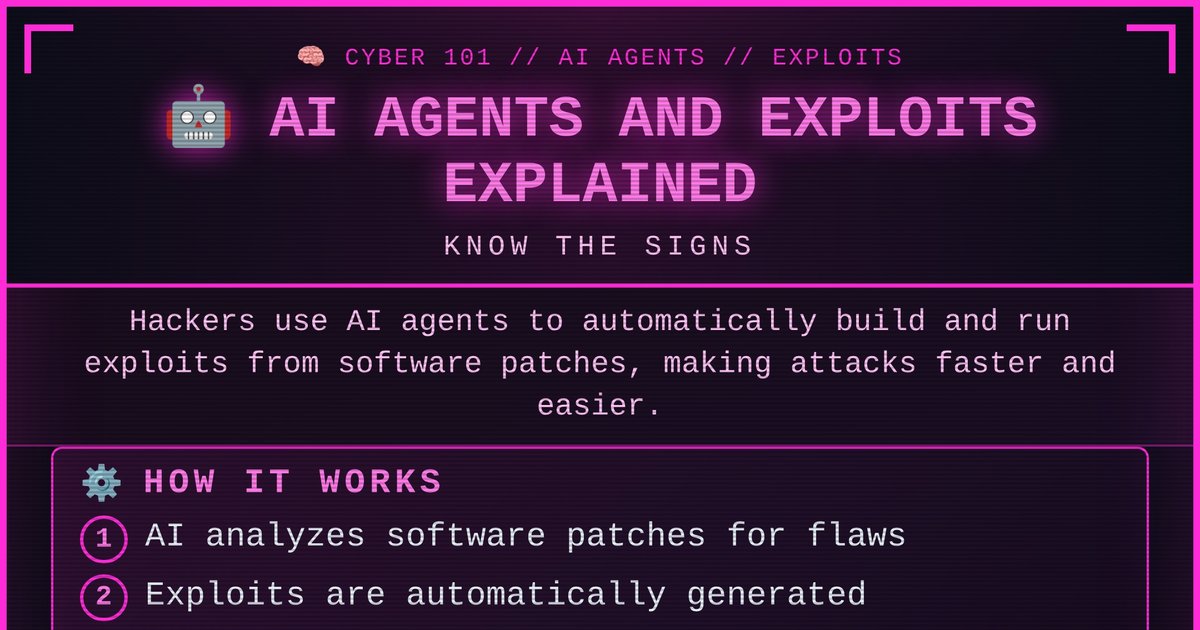
How AI-Powered Hacking Exploits Work & What to Watch For
Learn how attackers use AI agents to automatically find and exploit software vulnerabilities faster than ever—and what your business can do about it.
Threat Detection -
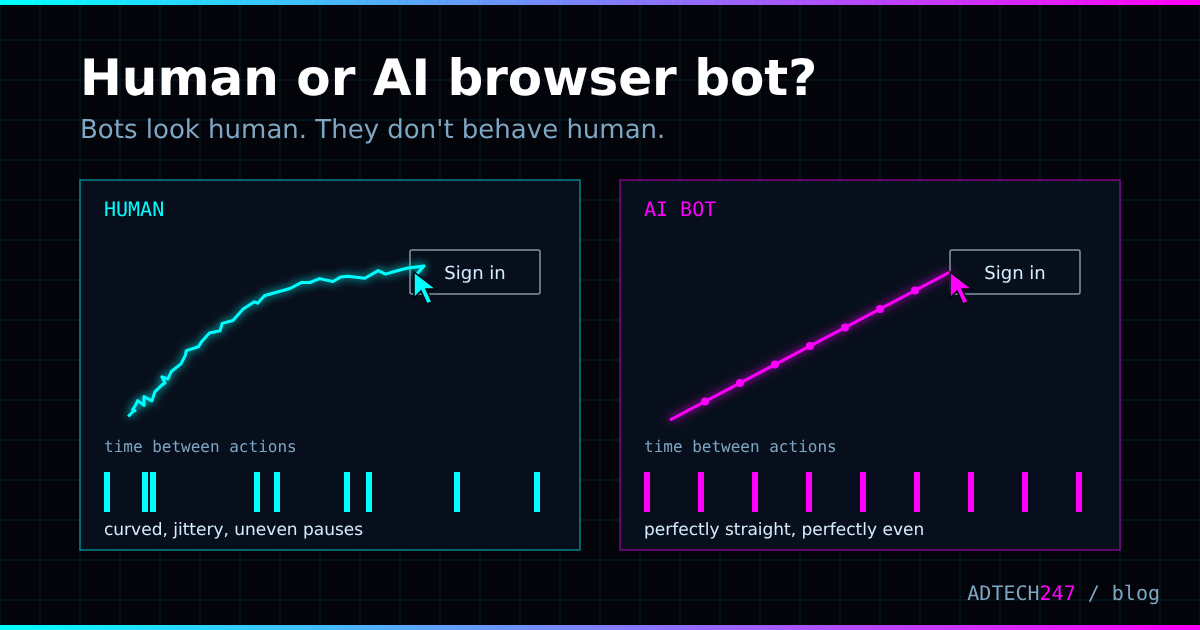
How to Detect AI Browser Bots on Your Website
AI bots now run full browser sessions that look human. Here are five behavioral red flags that give them away, and what to do about them.
Threat Detection -
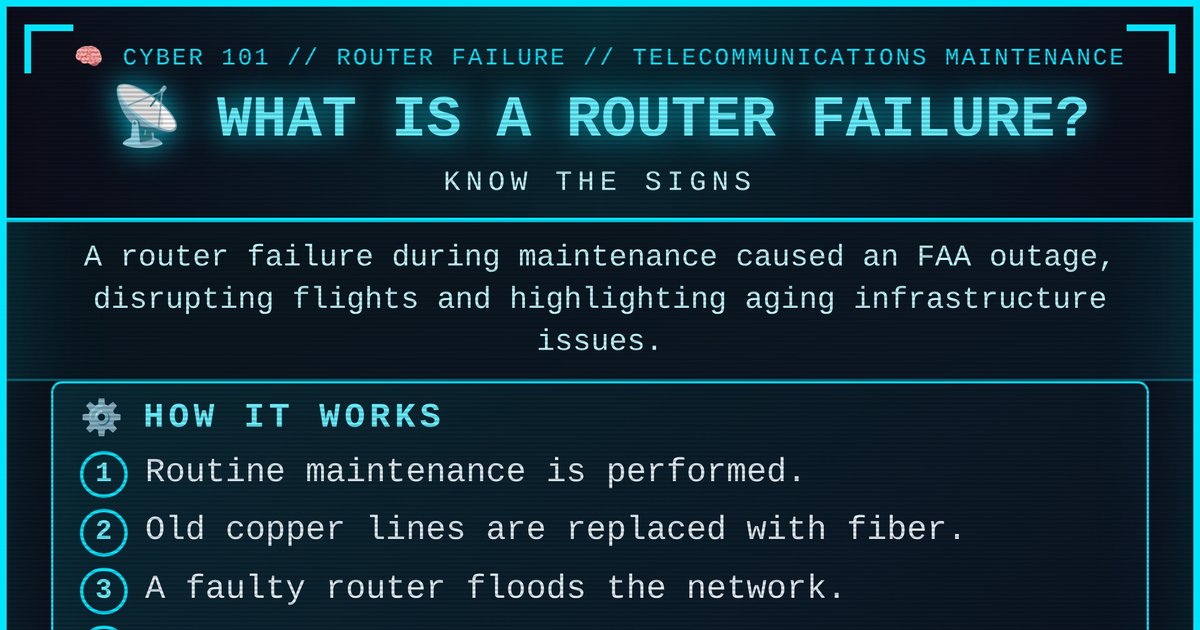
How a Router Failure Crashed the FAA: Lessons for Your Network
Learn why a faulty router brought down FAA systems, and how to prevent similar infrastructure failures in your business through testing and rollback planning.
ThreatIntel