How AI-Powered Hacking Exploits Work & What to Watch For
Learn how attackers use AI agents to automatically find and exploit software vulnerabilities faster than ever—and what your business can do about it.
What You're Really Looking At
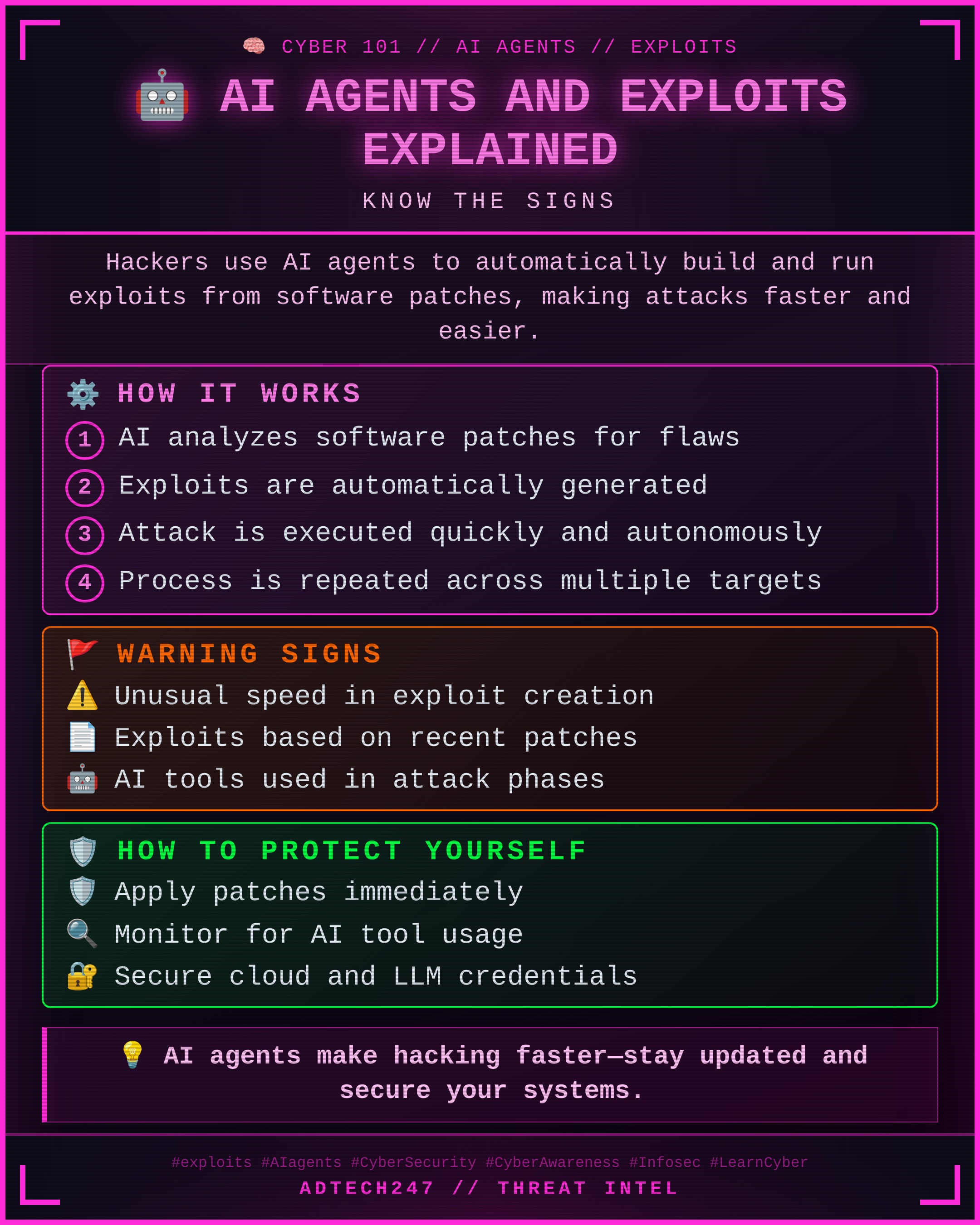
Software vulnerabilities are old news. But the speed at which attackers can find and weaponize them just changed. Hackers are now using AI agents—automated systems that think and act independently—to analyze security patches, identify the flaws they fix, and build working exploits in hours instead of weeks.
This isn't theoretical. This is happening now.
When a company releases a security patch, it's essentially a roadmap. The patch says: "There was a problem here. We fixed it." A skilled attacker can reverse-engineer that patch to understand the vulnerability. AI agents just automate that entire process—and then automate the attack itself.
How the Attack Works
Think of an AI agent as a tireless hacker that never sleeps and doesn't need coffee.
Step 1: Patch Analysis The moment a vendor releases a security patch, the AI agent gets to work. It analyzes the patch code to understand what vulnerability was fixed. Machine learning models can spot patterns in the code that point to the original flaw.
Step 2: Automated Exploit Generation Once the vulnerability is understood, the AI generates working exploit code. This isn't a guess—it's a functional attack tool ready to deploy.
Step 3: Fast Execution The exploit runs against targets automatically. No human sitting at a keyboard typing commands. The agent finds systems still running the vulnerable software and attacks them in parallel.
Step 4: Rinse and Repeat The same process happens across multiple targets, multiple patches, multiple times per day. Scale and speed are the whole point.
The kicker: by the time your security team has even heard about a vulnerability, an AI agent may have already built an exploit and started scanning for victims.
Warning Signs Your Organization May Be Targeted
You won't see the AI agent itself, but you can spot the patterns it leaves behind:
- Rapid, coordinated attack waves – Multiple exploitation attempts across your network in a compressed timeframe, hitting the same vulnerability
- Exploitation of very recent patches – Attacks targeting vulnerabilities disclosed or patched within days (not months)
- Automated reconnaissance – Unusual scanning activity that probes for specific software versions or known vulnerable configurations
- Failed login attempts or access attempts at odd hours – Bots don't follow business hours
- Suspicious cloud or API activity – If attackers have compromised credentials, they may use AI tools in cloud environments or against cloud APIs you rely on
- Network traffic to unknown IP addresses – May indicate AI tools communicating with attacker infrastructure
If you see any of these, it's time to act. Don't wait for confirmation.
How to Protect Yourself
Patch aggressively - Don't wait for the next maintenance window. High-risk patches should be deployed within 48–72 hours of release, especially for internet-facing systems. - If you can't patch immediately, isolate the vulnerable system from the network or disable the affected service until you can.
Monitor for suspicious tool usage - Look for running processes or scripts that don't belong. AI tools and exploitation frameworks often have distinctive signatures in memory or on disk. - Use endpoint detection and response (EDR) tools to flag unknown binaries or unusual process behavior. - Check cloud logs for API calls that look automated or bulk-scanning activity.
Secure your credentials - Stolen cloud credentials or API keys give attackers a highway into your infrastructure. Use strong passwords, enforce multi-factor authentication (MFA) on everything, and rotate credentials regularly. - If you use AI tools or large language models (LLMs) for business purposes, lock down their access and monitor their usage.
Segment your network - Don't let one compromised system become a foothold for the whole network. Critical systems should be on separate network segments with strong access controls.
Keep a vulnerability inventory - Know what software you're running and its patch status. Tools like asset discovery software can help, but sometimes the best tool is a spreadsheet and a conversation with your team.
The 30-Second Version
Simple: Attackers use AI to find and exploit software flaws automatically, faster than you can patch.
Meaningful: A vulnerability discovered on Monday can be weaponized and deployed against you by Wednesday.
Actionable: Patch critical vulnerabilities within 72 hours; monitor for rapid, coordinated attacks; enforce multi-factor authentication.
Relevant: If you run any internet-facing software—web servers, email, remote access tools—you're in the crosshairs.
Timely: This is an active threat. Start today.
Frequently Asked Questions
What's the difference between an AI agent and a regular automated attack?
A regular automated attack follows a fixed script: scan, probe, exploit, done. An AI agent learns and adapts. If the first attack vector doesn't work, it tries another. It can prioritize targets, adjust tactics based on what it discovers, and even report findings back to human attackers for decisions. Think of it as the difference between a vending machine and a smart assistant.
Do I need to patch every vulnerability, or just the critical ones?
In an AI-driven threat landscape, patch everything that affects systems on your network or facing the internet. High and critical severity vulnerabilities should be first priority (within 72 hours). Medium severity should follow within 2–4 weeks. Low severity can wait longer, but don't ignore it. The rule is simpler now: if it's patched, patch it.
How do I know if my company was hit by an AI-powered exploit?
You probably won't know immediately. Look for: - Unusual account activity (logins from odd locations, privilege escalations) - New user accounts or admin accounts you don't recognize - Files modified or created on systems you thought were secure - Alerts from your security tools about malware or suspicious scripts
If you suspect a breach, contact your IT team or a security incident response firm right away. Don't wait for more evidence.
Get a lesson like this every weekday.
Daily threat briefs, mini-lessons and infographics for defenders, small businesses and anyone who wants to stay a step ahead.
Keep reading
-
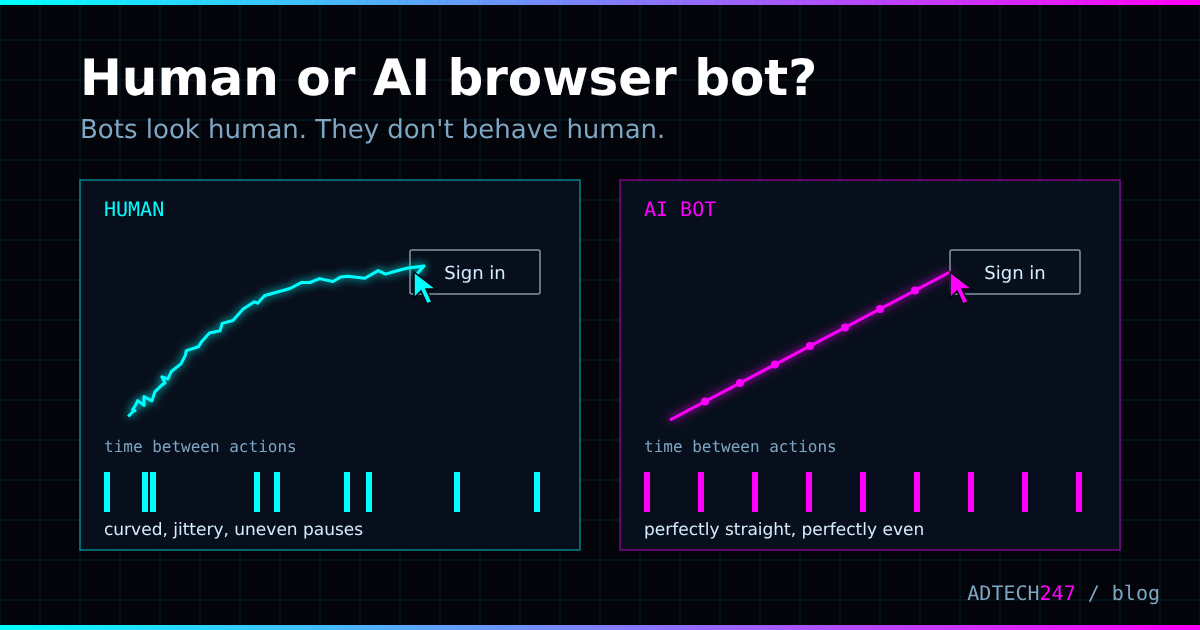
How to Detect AI Browser Bots on Your Website
AI bots now run full browser sessions that look human. Here are five behavioral red flags that give them away, and what to do about them.
Threat Detection -
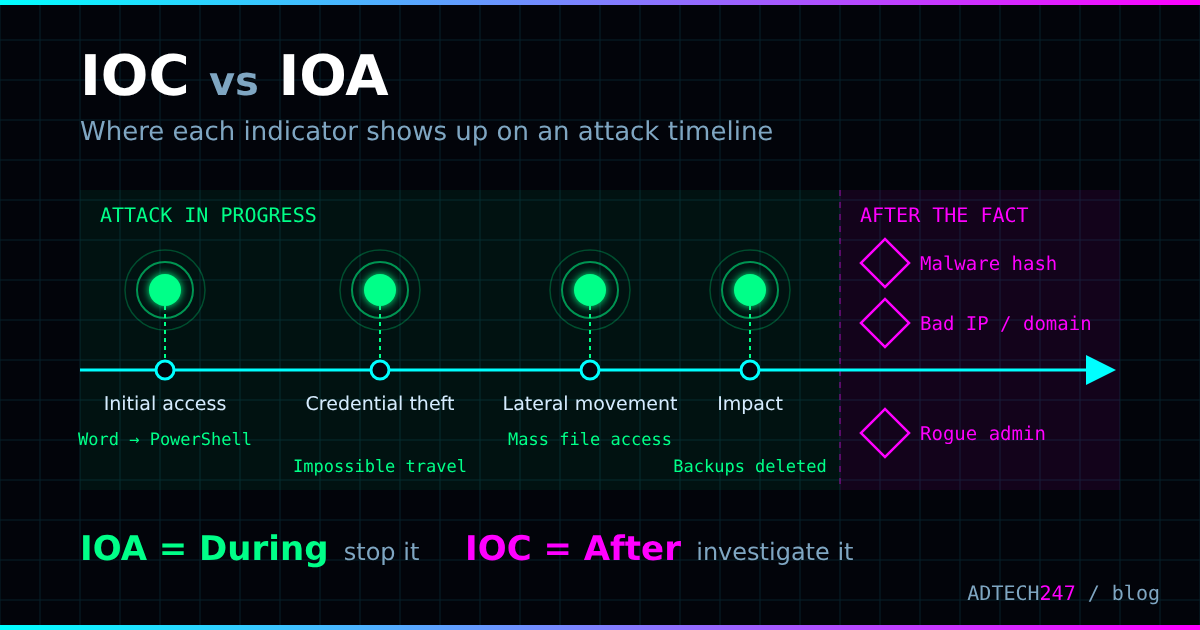
IOC vs IOA: What's the Difference and Why It Matters
Indicators of Compromise tell you an attack happened. Indicators of Attack tell you one is happening now. Here's how to use both.
Threat Detection -
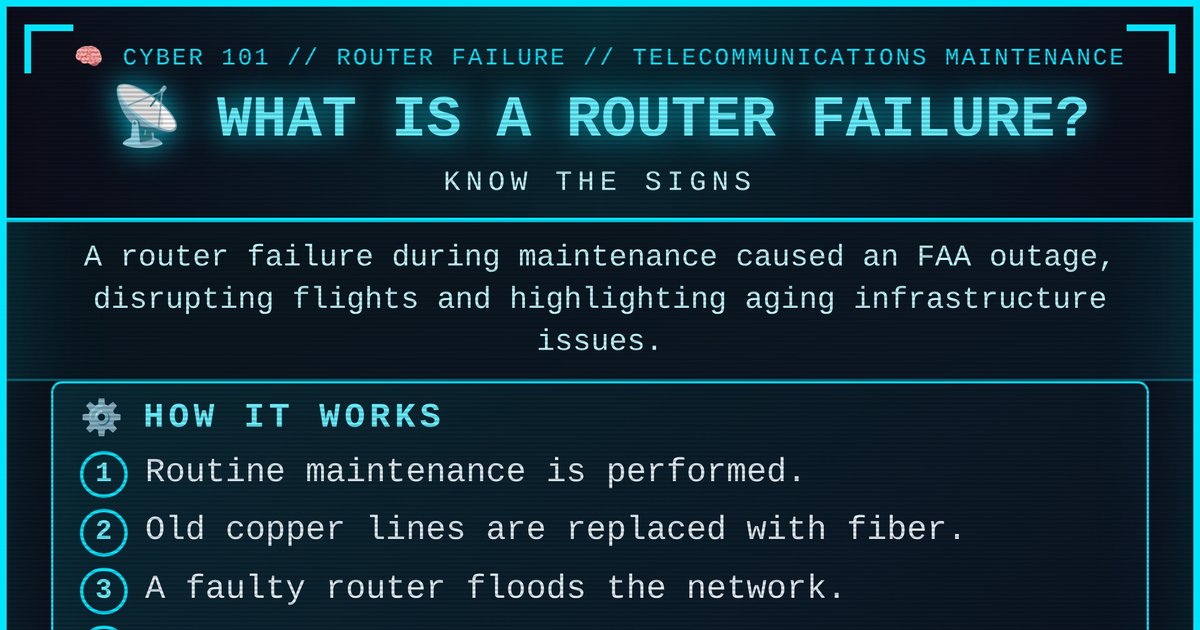
How a Router Failure Crashed the FAA: Lessons for Your Network
Learn why a faulty router brought down FAA systems, and how to prevent similar infrastructure failures in your business through testing and rollback planning.
ThreatIntel