How to Spot a Phishing Email: 7 Signs to Check
Seven quick checks that expose most phishing emails before anyone clicks, plus what to do when one slips through. Built for small-business teams.
Most breaches at small businesses still start the same way: someone opens an email that looks routine, clicks a link, and types a password into a page that isn't what it claims to be. The good news is that phishing emails leave fingerprints. Train your eye on a handful of them and you'll catch most of them before they do damage.
What is phishing?
Phishing is an email (or text, or chat message) designed to trick you into doing something that helps an attacker: entering your login on a fake page, opening a malicious attachment, approving a payment, or handing over information. It works because it borrows trust. The message pretends to come from someone you already deal with, such as Microsoft, your bank, a shipping company, a vendor, or your own boss.
How a phishing attack works
A typical credential-phishing attempt follows the same short script:
- The hook. An email arrives with a believable reason to act: a shared document, an unpaid invoice, a mailbox that's "almost full," a password about to expire.
- The pressure. It adds urgency so you act before you think: "within 24 hours," "account will be suspended," "the CEO needs this now."
- The link. The button leads to a page that copies a real login screen, often on a lookalike domain or a legitimate file-sharing service the attacker abused.
- The capture. Whatever you type goes straight to the attacker. Modern kits can even relay your MFA code in real time and steal the session.
- The follow-through. With one mailbox, the attacker reads past conversations and sends the next phishing email from your account to your clients and vendors.
7 signs of a phishing email
Check these before you click anything:
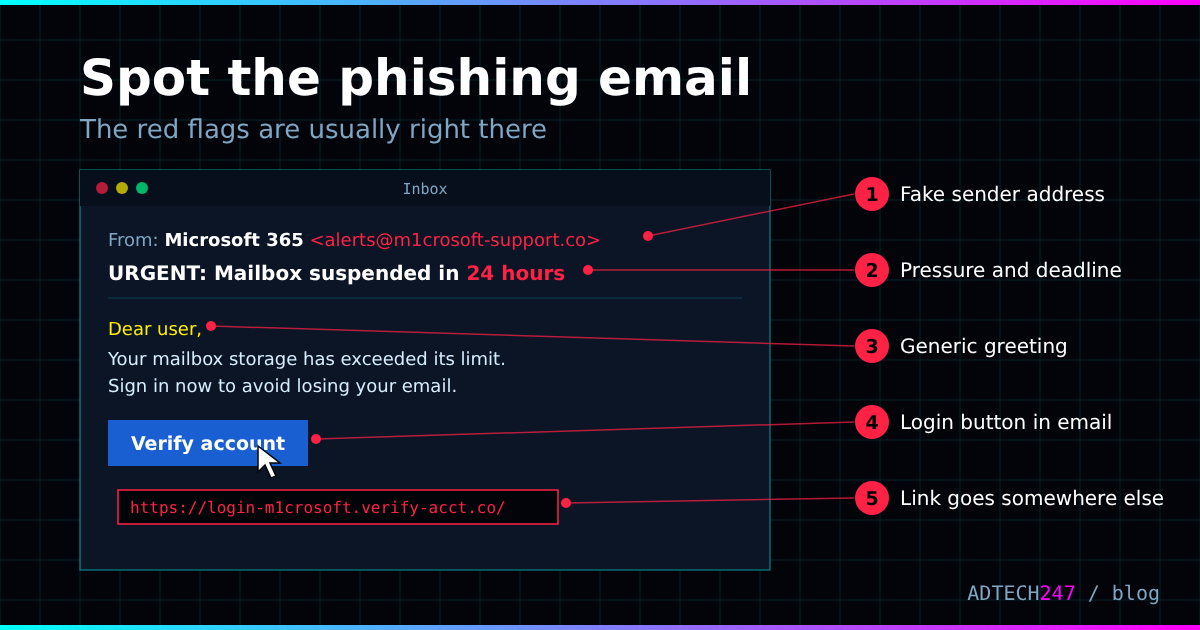
- The sender address doesn't match the name. "Microsoft 365" sending from
alerts@m1crosoft-support.cois not Microsoft. Tap or hover on the name to see the real address. - The link goes somewhere else. Hover over the button (on a phone, long-press it). If the domain isn't the company it claims to be, stop.
- Urgency or fear. Deadlines, threats and "act now" language are pressure tactics. Real IT teams and banks rarely work that way.
- An unexpected attachment or shared file. Especially HTML files, ZIP files, or "secure documents" you weren't expecting.
- A request to move money or change payment details. New bank details for a vendor should always be confirmed by phone, using a number you already have.
- A generic greeting or odd tone. "Dear user," or a message from a coworker that doesn't sound like them.
- It asks you to log in from the email. When in doubt, close the email and go to the site by typing the address yourself.
The one-rule version: if an email wants you to log in, pay, or open something you weren't expecting, verify it through a different channel first.
How to protect yourself and your business
For individuals:
- Use a password manager. It won't autofill your password on a fake domain, which makes it a built-in phishing alarm.
- Turn on MFA everywhere, and prefer an authenticator app or passkey over text-message codes.
- Report suspicious messages instead of just deleting them, so your IT team can block them for everyone.
For small businesses:
- Turn on your email provider's built-in protections (Safe Links and Safe Attachments in Microsoft 365, or the equivalents in Google Workspace) and publish SPF, DKIM and DMARC records for your domain.
- Add a visible "External sender" banner to messages from outside the company.
- Require a phone call to a known number before any change to payment details or any wire transfer.
- Run short, regular awareness training. A few minutes a month beats one long session a year.
Practice it: free hands-on lab
Want to test yourself? Try Mini-Lab #01: Spot the Phishing Email on the ADTECH247 GitHub. It walks you through real-style samples and shows you what gave each one away.
Key takeaways
- Phishing works by borrowing trust and adding urgency.
- Check the real sender address and the real link destination before you click.
- Never log in or pay from an email link; go to the site or call the person directly.
- Password managers and MFA turn a successful phish into a failed one.
- Report suspicious emails so the whole team is protected.
FAQ
What should I do if I already clicked a phishing link?
Act fast. Change the password for that account from a trusted device, sign out of all sessions, confirm MFA is on, and tell your IT provider right away so they can check for inbox rules or other signs of takeover. Our guide on how to tell if your account is compromised walks through the checks.
Can phishing get past MFA?
Some modern phishing kits can relay your MFA code or steal your login session in real time. Phishing-resistant options such as passkeys and hardware security keys stop that technique, which is why they're worth adopting for admin and finance accounts first.
Get a lesson like this every weekday.
Daily threat briefs, mini-lessons and infographics for defenders, small businesses and anyone who wants to stay a step ahead.
Keep reading
-
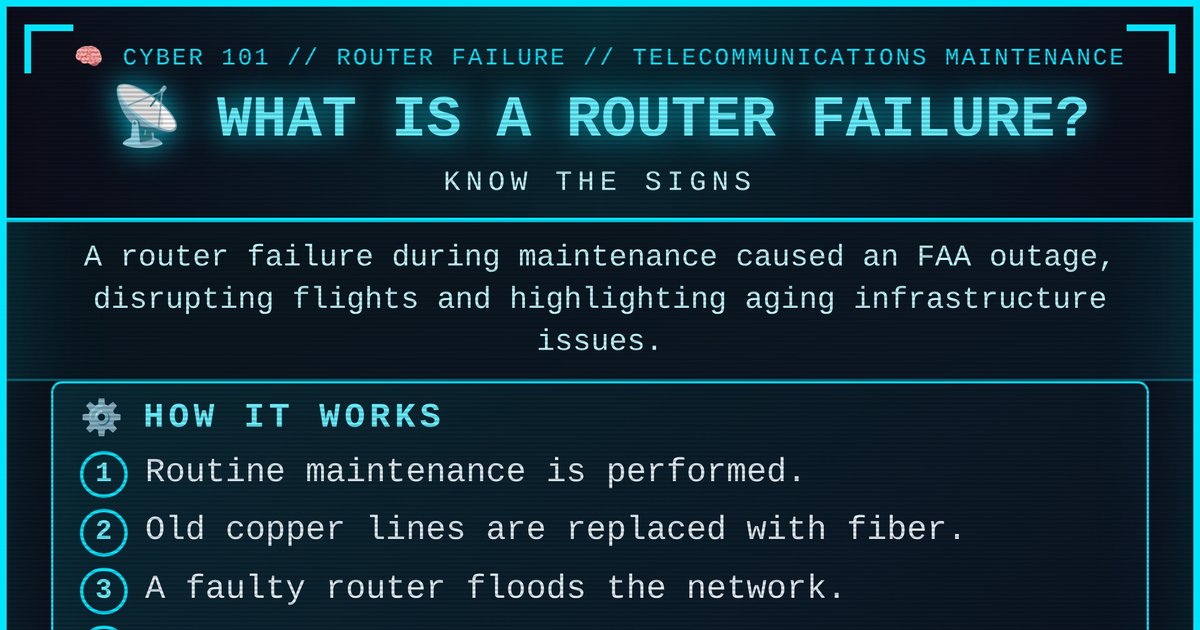
How a Router Failure Crashed the FAA: Lessons for Your Network
Learn why a faulty router brought down FAA systems, and how to prevent similar infrastructure failures in your business through testing and rollback planning.
ThreatIntel -
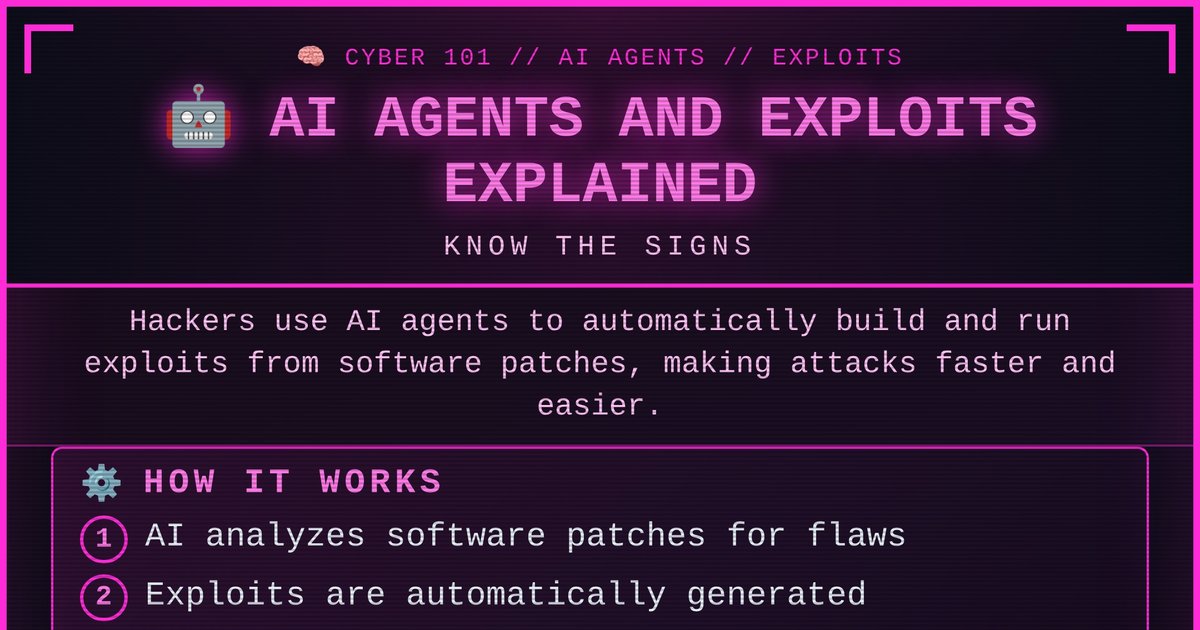
How AI-Powered Hacking Exploits Work & What to Watch For
Learn how attackers use AI agents to automatically find and exploit software vulnerabilities faster than ever—and what your business can do about it.
Threat Detection -
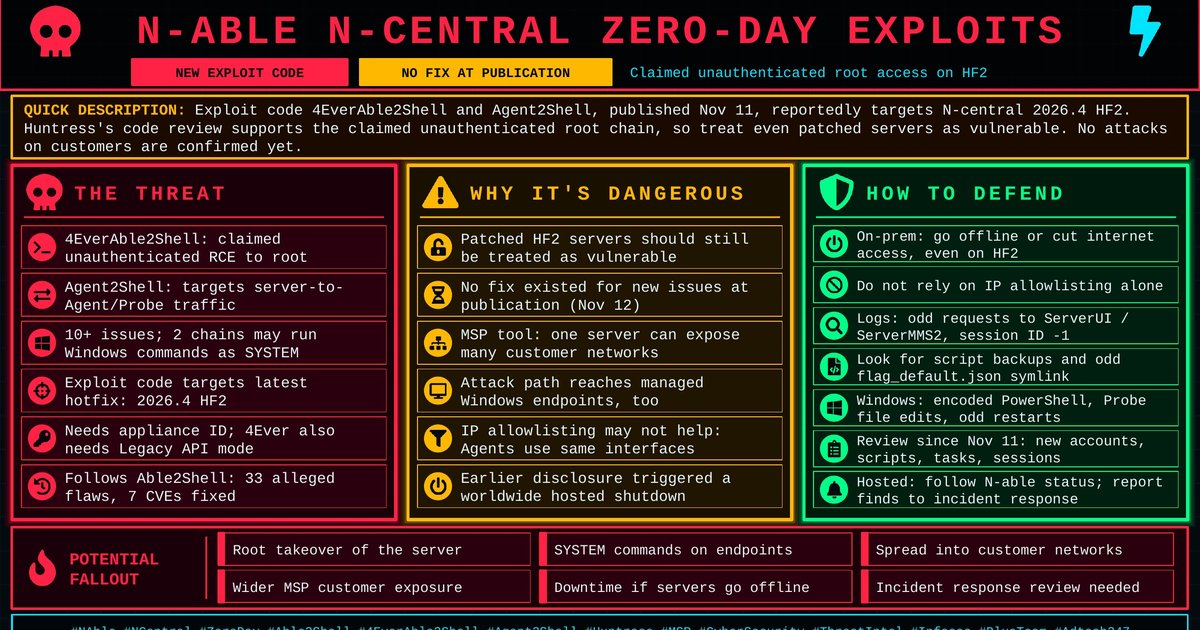
N-central Zero-Day: What MSPs and Their Clients Need to Know
Learn about the 4EverAble2Shell and Agent2Shell exploits targeting N-central, how they work, and what to do right now.
ThreatIntel