Notepad++ 8.9.9: Six Vulnerabilities Patched—What You Need to Do
Learn about six security flaws in Notepad++ affecting Windows message handling and plugins, and how to protect your systems today.
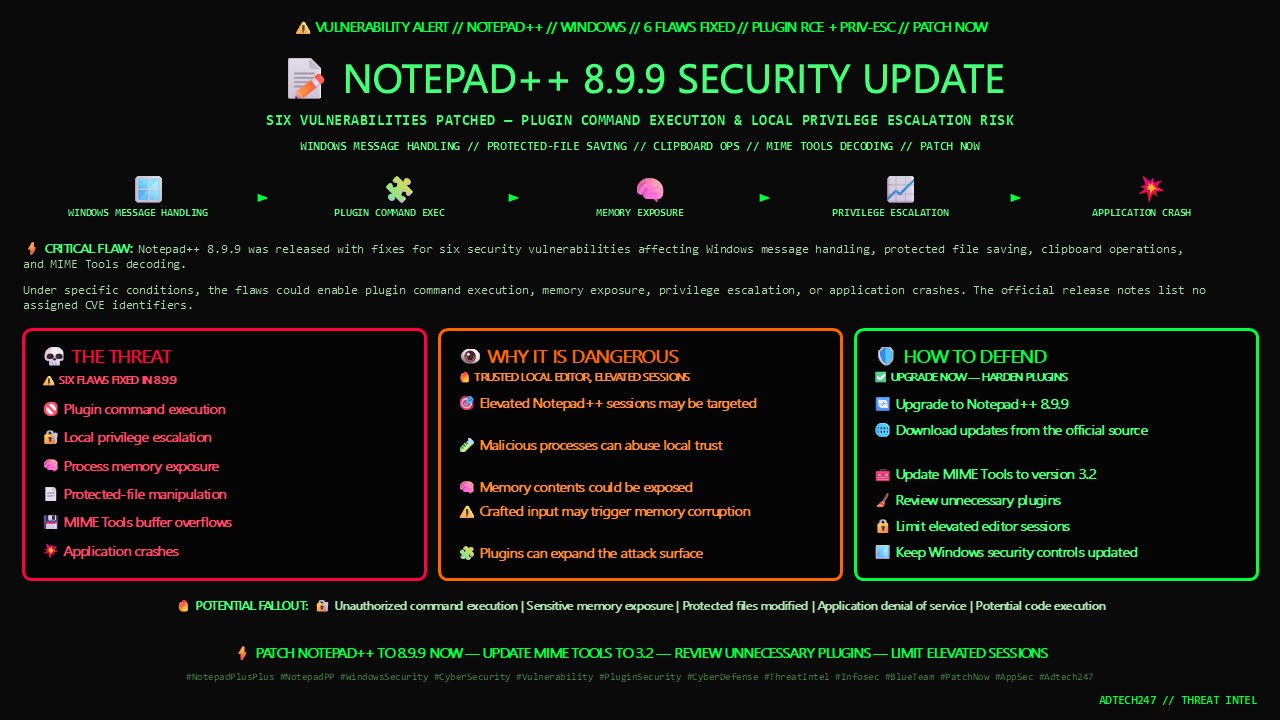
What It Is
Notepad++ is a free, lightweight text editor used by developers, IT staff, and many office workers for quick editing tasks. Version 8.9.9 patches six separate security vulnerabilities that could allow attackers to run unauthorized commands, read sensitive memory, modify protected files, or crash the application.
These flaws don't require complex exploits—they can trigger under normal conditions if an attacker crafts the right input or file. The risks are especially high if Notepad++ is run with elevated (administrator) privileges, which some users do.
How the Attack Works
Plugin command execution Third-party Notepad++ plugins can be abused to run commands on your system. If a malicious plugin is installed or a legitimate plugin is compromised, it may execute code without your permission.
Local privilege escalation An attacker with limited user access may exploit one of these flaws to gain administrator-level control of your machine. This typically requires the attacker already having a way to run code locally.
Memory exposure Flaws in clipboard operations and Windows message handling could leak sensitive data stored in Notepad++'s memory—passwords, API keys, customer information—into an attacker's reach.
Protected file manipulation Notepad++ has features to protect certain files (like configuration files) from accidental overwrites. These vulnerabilities could bypass those protections, allowing unauthorized modification.
Buffer overflows in MIME Tools The MIME Tools add-on uses an older version (pre-3.2) that doesn't safely handle crafted input, potentially corrupting memory or enabling code execution.
Application crashes Sending malformed data to Notepad++ could trigger a crash, denying you access to open files or causing data loss during editing.
Warning Signs
These vulnerabilities are "local" exploits—they require code to already run on your system. Watch for:
- Unexpected Notepad++ crashes when opening certain files or after installing a plugin.
- Plugins appearing or installing without your consent.
- Performance slowdowns or unusual memory usage by Notepad++.
- Protected files changing unexpectedly without you editing them.
- Files claiming to be from untrusted sources sent to your team for "editing" (especially if they target users running Notepad++ as admin).
How to Protect Yourself
1. Update Notepad++ immediately - Go to Help > Update Notepad++ or download version 8.9.9 directly from the official Notepad++ website. - Do not download from third-party sites; use the official source only.
2. Update MIME Tools to version 3.2 or later - If you use the MIME Tools plugin, update it through Notepad++'s plugin manager. - If you don't use MIME Tools, consider removing it.
3. Review and remove unused plugins - Go to Plugins > Manage Plugins and disable or remove any you don't actively use. - Each plugin is a potential entry point; fewer = safer.
4. Avoid running Notepad++ as administrator - Only use elevated privileges when absolutely necessary (e.g., editing system files). - Use a standard user account for everyday editing.
5. Apply Windows security updates - Keep Windows Defender, Windows Update, and other OS security features current. - These provide a safety net against memory exploits.
6. Train staff on file handling - Warn team members not to open suspicious files or enable editing in unexpected contexts. - Files from untrusted senders should be reviewed in a safer tool (e.g., read-only PDF viewers) first.
The 30-Second Version (SMART)
- Simple: Notepad++ 8.9.9 fixes six flaws that could let attackers run commands or steal data.
- Meaningful: Your team likely uses this tool; these vulnerabilities could expose sensitive project files or credentials.
- Actionable: Update Notepad++ and MIME Tools now from official sources; remove unused plugins; avoid running as admin.
- Relevant: This affects Windows users running older versions; small businesses and developers are common targets.
- Timely: Patch released now; attackers typically develop exploits within days or weeks of disclosure.
FAQ
Does this affect my Mac or Linux?
Notepad++ is Windows-only. Mac and Linux users can skip this patch. If your team uses cross-platform editors (VS Code, Sublime Text), check their security advisories separately.
I don't know which plugins I have installed—how do I check?
Open Notepad++, go to Plugins > Manage Plugins. The list shows everything active. If you don't recognize a plugin, search its name online. If you don't know what it does, uninstall it.
Can I get infected just by opening a file in Notepad++?
These flaws require specific conditions: either a malicious plugin already installed, or the attacker has some way to run code on your machine first. Simply opening a text file is low-risk, but don't open attachments from untrusted senders.
What if I can't update right away?
Limit who runs Notepad++ and never run it as administrator. Avoid opening files from external sources. Apply the update as soon as possible—this is high-priority.
Should small businesses care about this?
Yes. Developers, system administrators, and anyone editing configuration files likely use Notepad++. If an attacker gains local access to your network, these flaws could be a stepping stone to stealing data or moving laterally through your systems.
Get a lesson like this every weekday.
Daily threat briefs, mini-lessons and infographics for defenders, small businesses and anyone who wants to stay a step ahead.
Keep reading
-
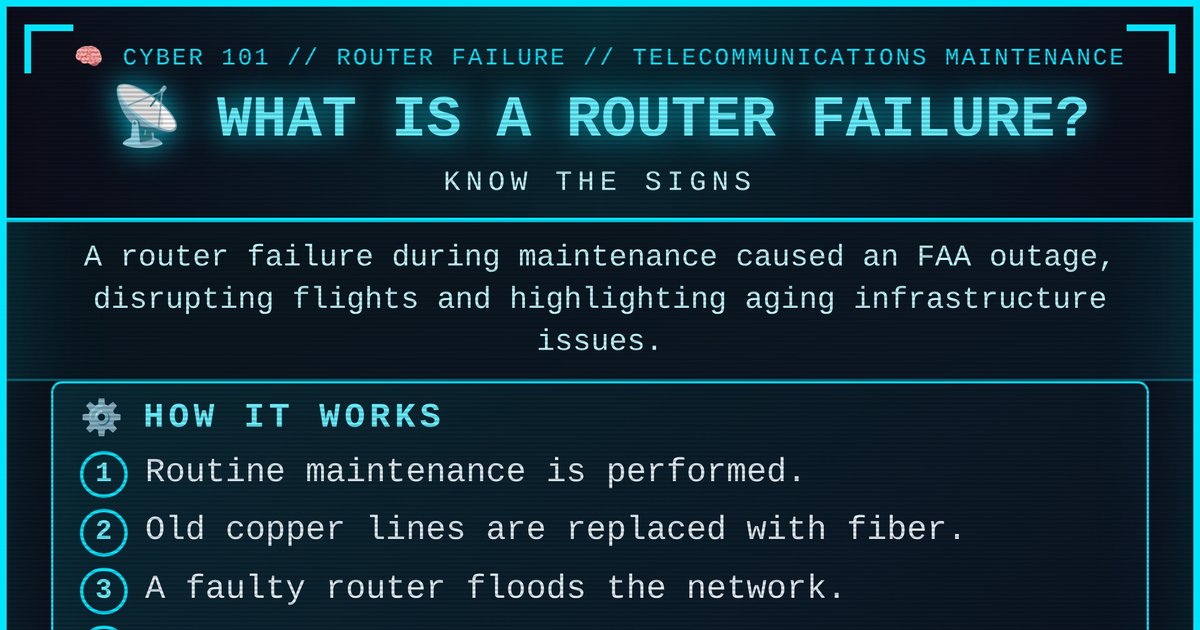
How a Router Failure Crashed the FAA: Lessons for Your Network
Learn why a faulty router brought down FAA systems, and how to prevent similar infrastructure failures in your business through testing and rollback planning.
ThreatIntel -
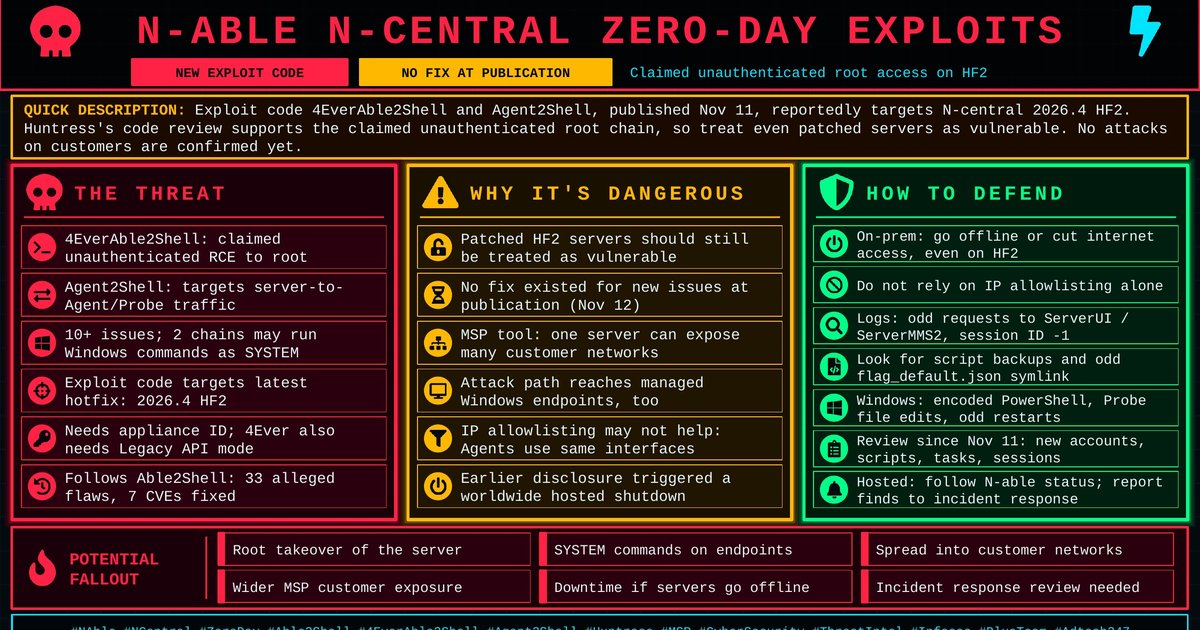
N-central Zero-Day: What MSPs and Their Clients Need to Know
Learn about the 4EverAble2Shell and Agent2Shell exploits targeting N-central, how they work, and what to do right now.
ThreatIntel -
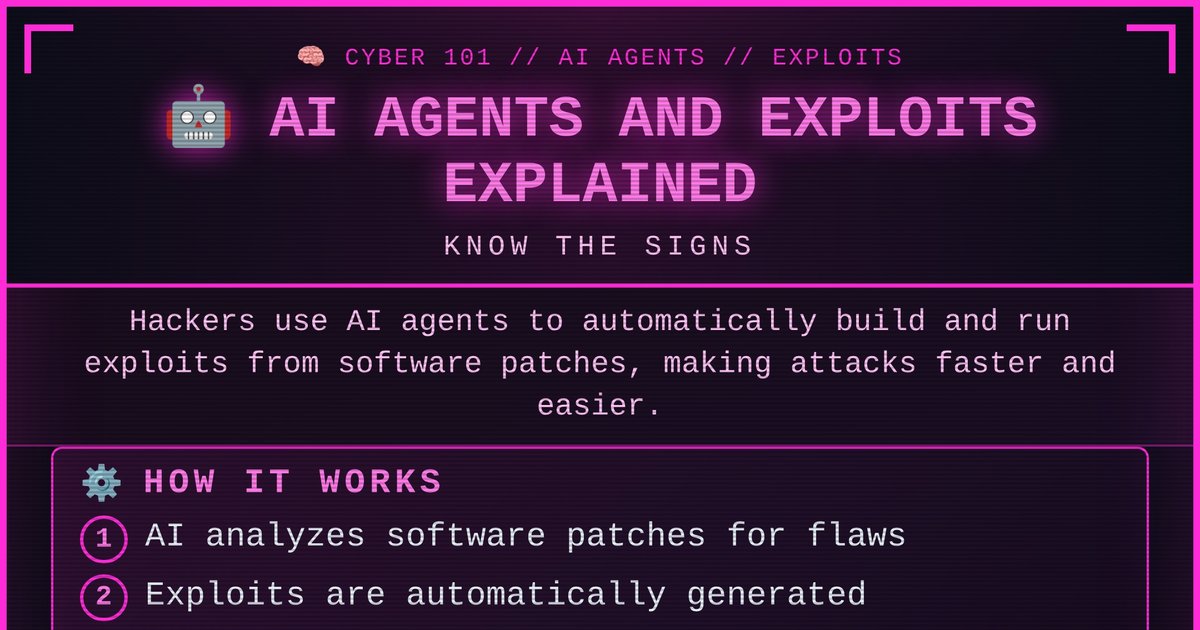
How AI-Powered Hacking Exploits Work & What to Watch For
Learn how attackers use AI agents to automatically find and exploit software vulnerabilities faster than ever—and what your business can do about it.
Threat Detection